
Since its release, Capacitor iOS has officially supported CocoaPods.
CocoaPods is widely used in iOS projects, with a large library ecosystem and flexible configuration.
Apple announced Swift Package Manager (SPM) in 2021. Unlike CocoaPods, SPM is built into Xcode and can shorten build times by compiling only the dependencies you need — and it is Apple’s official tool — so many packages have been adding SPM support.
Against that backdrop, Capacitor has been moving toward SPM since v6 (currently Experimental).
SPM in a New Project
% npx cap add ios --packagemanager SPM
Just pass the packagemanager argument. Simple.
How the CocoaPods Layout Changed
The Podfile is removed and a CapApp-SPM folder is created. The name is fixed — the CLI uses that constant when locating the Package file.
https://github.com/ionic-team/capacitor/blob/main/cli/src/util/spm.ts#L23
It contains:
- ios/App/CapApp-SPM/Sources/CapApp-SPM/CapApp-SPM.swift
- ios/App/CapApp-SPM/Package.swift
- ios/App/CapApp-SPM/README.md
You can browse it directly under ionic-team/capacitor:
https://github.com/ionic-team/capacitor/tree/main/ios-spm-template/App
CapApp-SPM.swift only defines public let isCapacitorApp = true. I searched for uses of isCapacitorApp and found none, so it may be groundwork for the future. If so, this file might eventually hold something similar to the pre_install or installer_representation hooks you could use with CocoaPods.
Package.swift is SPM’s package manifest. As with CocoaPods, running npx cap update ios reads package.json, discovers Capacitor plugins, and writes them here automatically. Unlike a Podfile, you cannot add entries by hand — everything is rewritten for you.
No More pod update
The biggest win is probably that you no longer need to run pod update. Previously, when a plugin’s Pod dependency version moved forward, npx cap update ios could fail. Fixing that meant cd-ing into ios/App and running pod update (the error message did point you there, but it was a hurdle for beginners and tedious even when you knew the drill). With Swift Package Manager, dependencies update automatically without that step.
Migrating Mid-Project?
The docs say they will document this later.
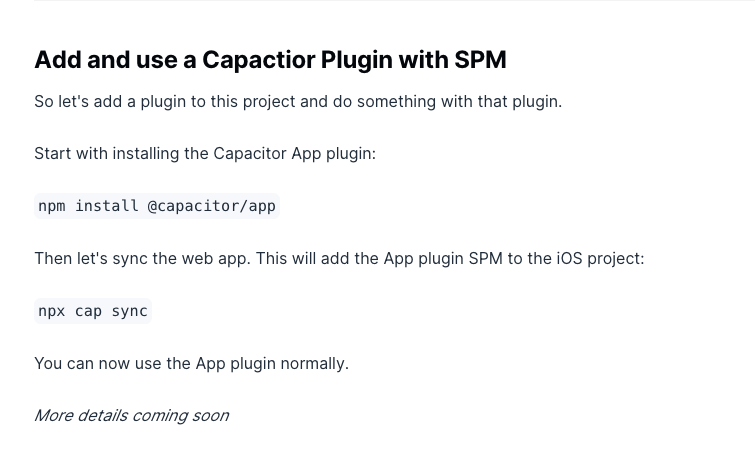
From a quick look, migrating by editing the existing ios folder alone does not seem practical. The CLI does not support living alongside CocoaPods, and given the mechanism that reflects plugins from package.json, supporting both side by side is unrealistic. For an existing app, delete the ios folder once and run cap add ios --packagemanager SPM. That keeps the project clean and is the realistic path.
When to Move to SPM
All official Capacitor plugins already support SPM, but third-party plugins — including Capacitor Community plugins — have barely started. SPM itself is still Experimental, so waiting for a stable release is sensible. Capacitor 7.0.0 is in alpha now; even an early adopter might aim for roughly next summer after Capacitor 7 stabilizes.
See you next time.