

As the title says, I released @rdlabo/ngx-cdk-scroll-strategies as open source. Angular officially provides
- Fixed-size virtual scroll:
FixedSizeVirtualScrollStrategy - Variable-size virtual scroll:
AutoSizeVirtualScrollStrategy(Experimental)
Fixed size works fine when your UI can be designed around fixed sizes, but in my environment variable size stuttered and jumped. Reading the source, item sizes are kept as an overall average rather than per item, so removing a large item could break scrolling.
Neither supports reverse scrolling like LINE or WeChat. My product ran for years without virtual scroll by limiting how many items were shown, but I wanted to drop that limit, so I built @rdlabo/ngx-cdk-scroll-strategies.
Concept: CdkDynamicSizeVirtualScroll
Between FixedSizeVirtualScrollStrategy, where every item shares one size, and AutoSizeVirtualScrollStrategy, where sizes are unknown, this virtual scroll strategy lets you specify every item’s size. Concept code:
<cdk-virtual-scroll-viewport [itemDynamicSizes]="[{ itemSize: 100 } , { itemSize: 80} , { itemSize: 90 } , { itemSize: 100}]">
  <div *cdkVirtualFor="let item of [100, 80, 90, 100]; trackBy: trackByFn" [style.height.px]="item">
    itemSize: {{ item }}
  </div>
</cdk-virtual-scroll-viewport>
Virtual scroll item order and itemDynamicSizes order must match.
So rather than sorting them separately, I recommend managing items with Signals and passing itemDynamicSizes via a computed from those items. Instead of reimplementing all of virtual scroll like @rx-angular/template, this library plugs into @angular/cdk’s CdkVirtualScrollViewport so you can adopt it in existing code easily.
Demo
I prepared three demos: “Simple,” “Advanced,” and “Reverse.” Try them and inspect the DOM in developer tools.
https://rdlabo-ionic-angular-library.netlify.app/main/scroll-strategies
Installation
% npm install @rdlabo/ngx-cdk-scroll-strategies
Usage
Simple usage
The simplest path: add CdkDynamicSizeVirtualScroll to Angular CDK’s CdkVirtualScrollViewport and set itemDynamicSizes.
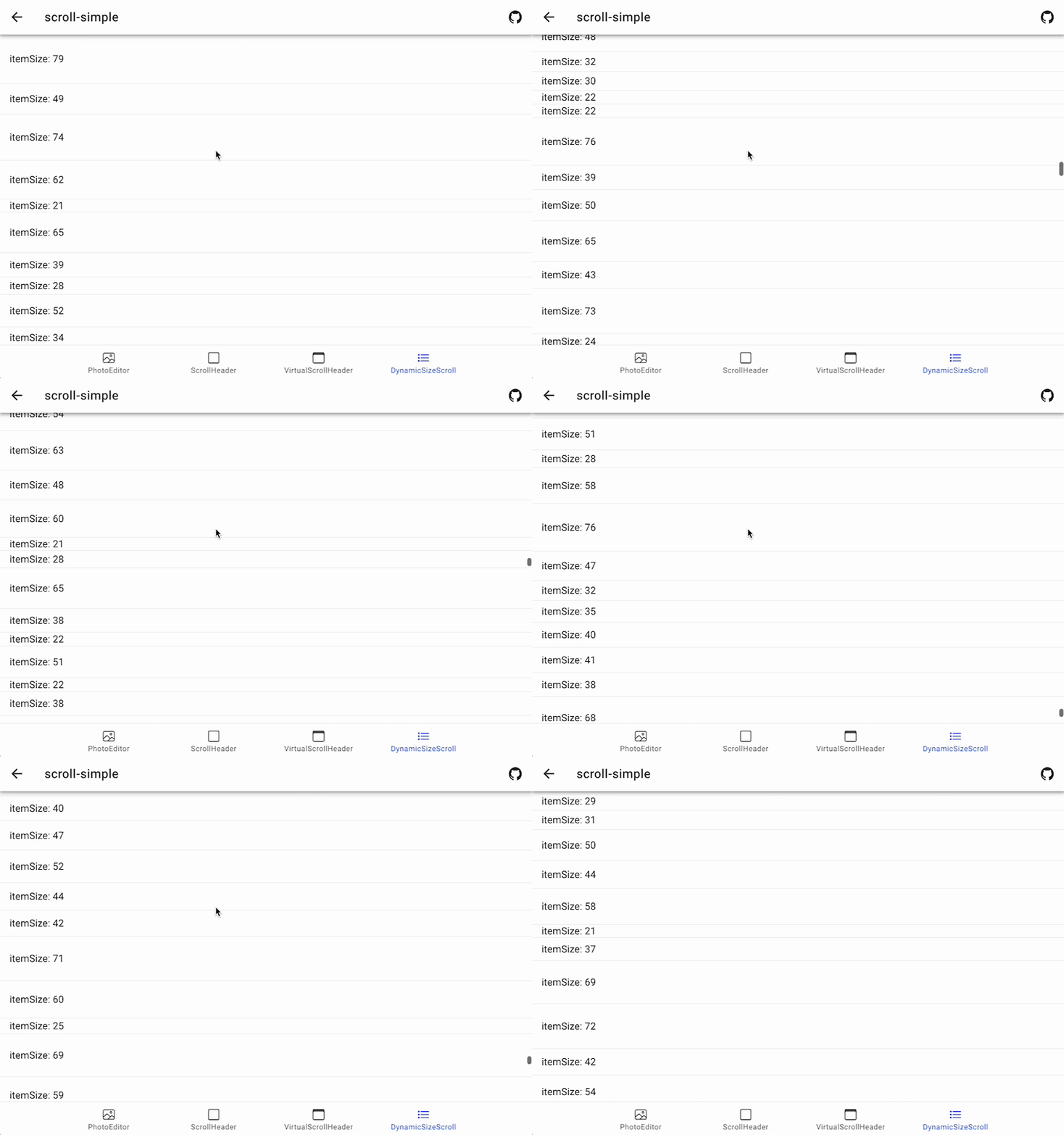
- Demo: https://rdlabo-ionic-angular-library.netlify.app/main/scroll-strategies/simple
- Source: https://github.com/rdlabo-dev/ionic-angular-library/blob/main/projects/demo/src/app/scroll-strategies/pages/scroll-simple
import { CdkDynamicSizeVirtualScroll, itemDynamicSize } from '@rdlabo/ngx-cdk-scroll-strategies';

@Component({
  ...
  imports: [
    CdkDynamicSizeVirtualScroll
  ],
})
export class ScrollStrategiesPage implements OnInit {
  readonly items = signal<itemDynamicSize[]>([]);
  readonly dynamicSize = computed<itemDynamicSize[]>(() => {
    return this.items().map((item) => ({ trackId: item.trackId, itemSize: item.itemSize }));
  });
}
<cdk-virtual-scroll-viewport [itemDynamicSizes]="dynamicSize()" minBufferPx="900" maxBufferPx="1350">
  <div *cdkVirtualFor="let item of items(); trackBy: trackByFn" class="dynamic-item" [style.height.px]="item.itemSize">
    itemSize: {{ item.itemSize }}
  </div>
</cdk-virtual-scroll-viewport>
Advanced usage
Simple usage alone is hard to drop into a real product, so I also ship an advanced sample. CdkVirtualScrollViewport is well designed: when you loop extracted components with cdkVirtualFor, it reuses DOM on scroll instead of destroying it. So when measuring real item height per component, measure on the component side (whenever the Input value changes), not from the parent.
Updating item sizes on every change would be too expensive, so you need tricks like applying new measurements when scroll changes which items are visible.
This closely follows what I run in production. Skimming is tiring; clone the repo locally and jump around in your IDE. Basic Angular knowledge is assumed.
- Demo: https://rdlabo-ionic-angular-library.netlify.app/main/scroll-strategies/advanced
- Source: https://github.com/rdlabo-dev/ionic-angular-library/blob/main/projects/demo/src/app/scroll-strategies/pages/scroll-advanced
Reverse scroll usage
How to implement reverse virtual scroll like LINE or WeChat. Before using this, learn flipping scroll math with Flexbox flex-direction: column-reverse; and flex-direction: column;. This sample is very clear:
https://codesandbox.io/s/flex-column-reverse-scroll-properties-i810t?file=/index.html:829-852
This directive’s reverse scroll is based on that.
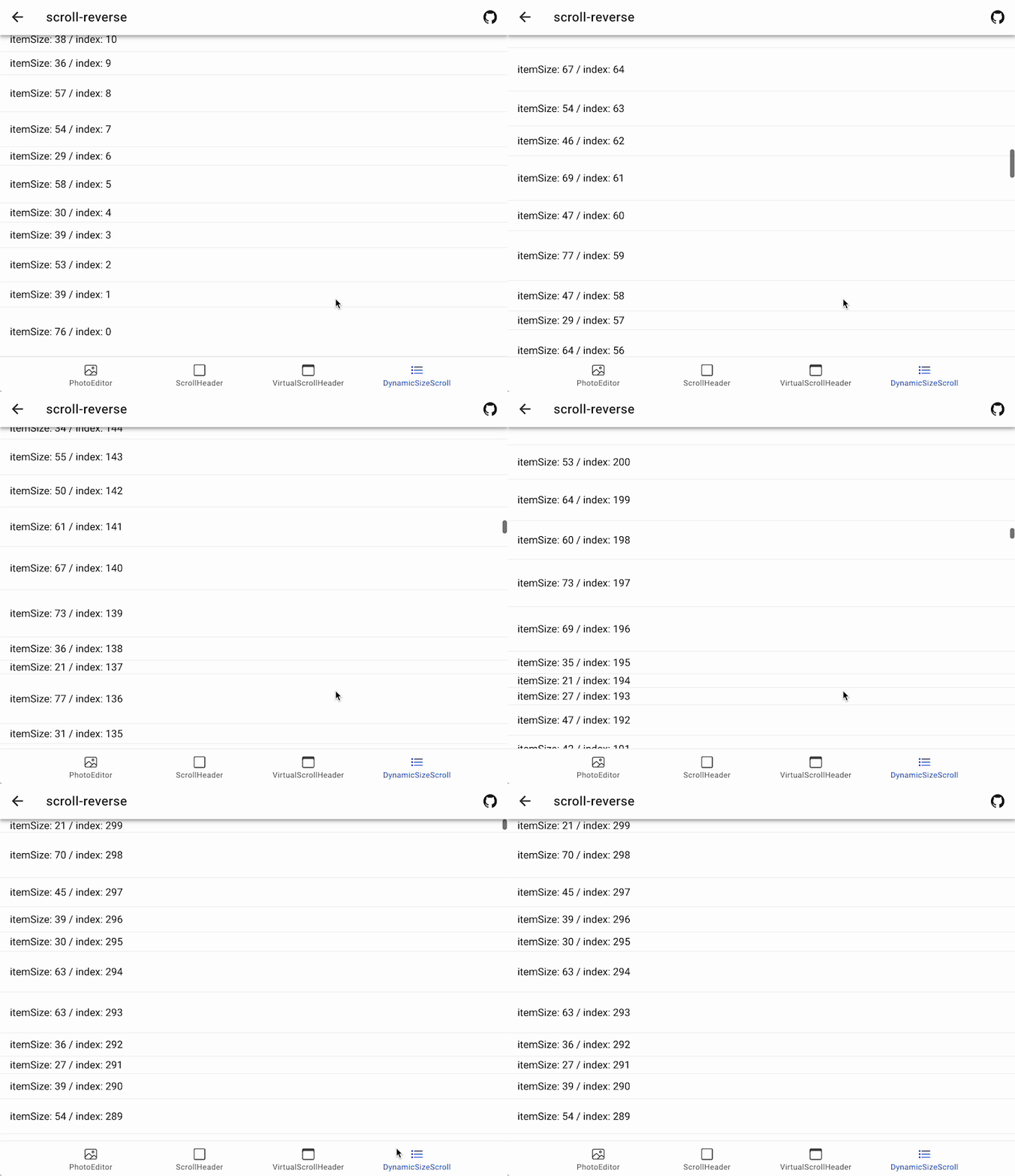
- Demo: https://rdlabo-ionic-angular-library.netlify.app/main/scroll-strategies/reverse
- Source: https://github.com/rdlabo-dev/ionic-angular-library/blob/main/projects/demo/src/app/scroll-strategies/pages/scroll-reverse
For reverse scroll, set isReverse to true. You also need a wrapper DOM for items looped with cdkVirtualFor (below, div.reverse-items).
<cdk-virtual-scroll-viewport [itemDynamicSizes]="dynamicSize()" [isReverse]="true" minBufferPx="900" maxBufferPx="1350">
  <div class="reverse-items">
    <div *cdkVirtualFor="let item of items(); trackBy: trackByFn" class="dynamic-item" [style.height.px]="item.itemSize">
      itemSize: {{ item.itemSize }}
    </div>
  </div>
</cdk-virtual-scroll-viewport>
You also need flex-direction: column-reverse; on cdk-virtual-scroll-viewport. When isReverse is true, a reverse-scroll class is added automatically, so add the following to global CSS (e.g. styles.css):
cdk-virtual-scroll-viewport {
  width: 100%;
  height: 100%;

  // .reverse-scroll class is added from this directive.
  &.reverse-scroll {
    display: flex;
    flex-direction: column-reverse;

    .cdk-virtual-scroll-content-wrapper {
      top: auto;
      bottom: 0;
    }
  }
}
Apply styles to the wrapper DOM you prepared (here, div.reverse-items) as well.
div.reverse-items {
  height: 100%;
  display: flex;
  flex-direction: column-reverse;

  position: relative;
  bottom: 0;
}
Summary
With this library, you can specify per-item sizes on CdkVirtualScrollViewport to support variable size and reverse scroll. Please give it a try.
See you next time.