
Generative AI has made building apps dramatically faster.
Adding a screen, connecting an API, writing tests—changes that once took days can now be finished in hours. But can we deliver those changes to users today? With mobile apps, the answer is often no.
We still have to build iOS and Android binaries, submit them to the stores, and wait for review. That process is the same whether the change is a tiny copy edit or an emergency bug fix. Even if AI makes implementation ten times faster, the whole release still backs up when everything must pass through the single gate of store review.
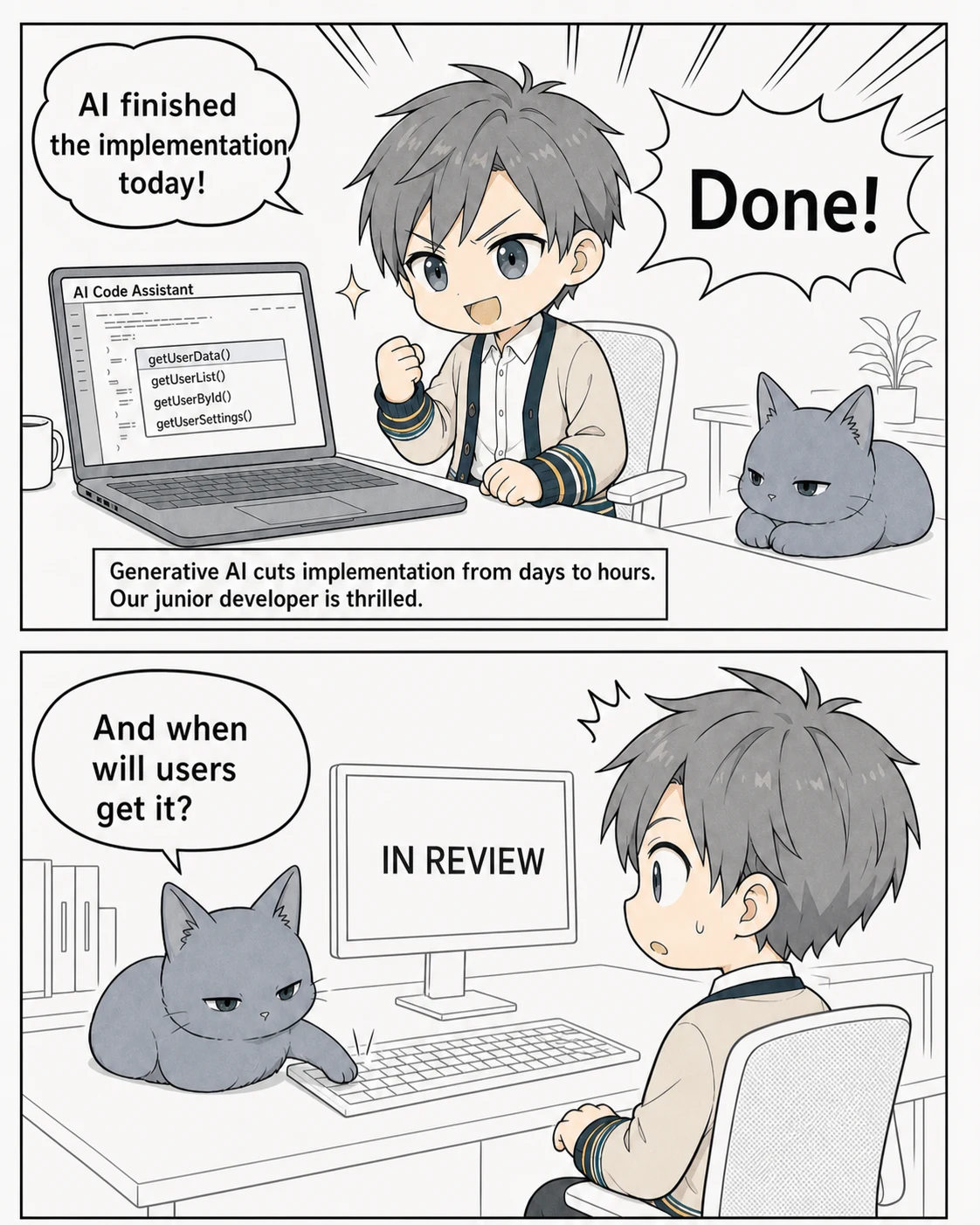
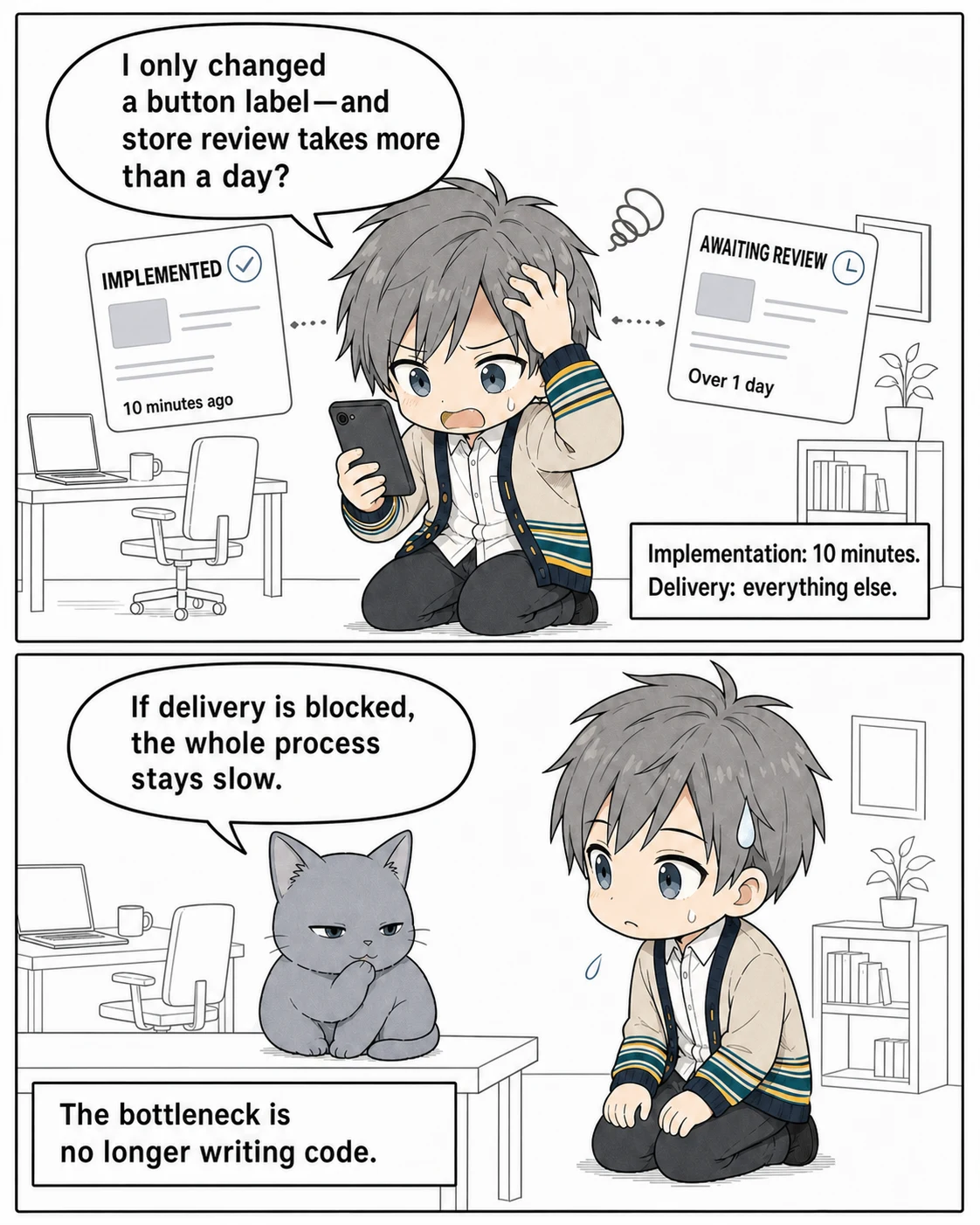
The slow part of mobile development is becoming less about writing code and more about getting that code to users.
That is why it is worth taking another look at Live Updates. They separate the layers that can be updated from store review and deliver those layers directly to the app.
Store review becomes the ceiling on development speed
Store review is necessary to protect users. We would have a serious problem if developers could replace code that accesses the camera, location, payments, or background processing whenever they wanted.
But not every change is a native change.
Fixing when a button appears. Correcting form validation. Adjusting how an API response is handled. Changing copy or styles. Do all of those changes really need to travel with a native binary every time?
In a conventional release, even a one-line change to the Web layer means rebuilding the native binary and submitting it to the store. If review takes a day, implementation may take ten minutes while delivery consumes everything else. Reducing those ten minutes to five with AI barely changes when the fix reaches users.
That wait is more than an inconvenience. It creates an incentive to batch releases. Larger batches create larger diffs; larger diffs require heavier verification; heavier verification stretches the release interval even further. An emergency fix also has to be ordered around another version that may already be in review.
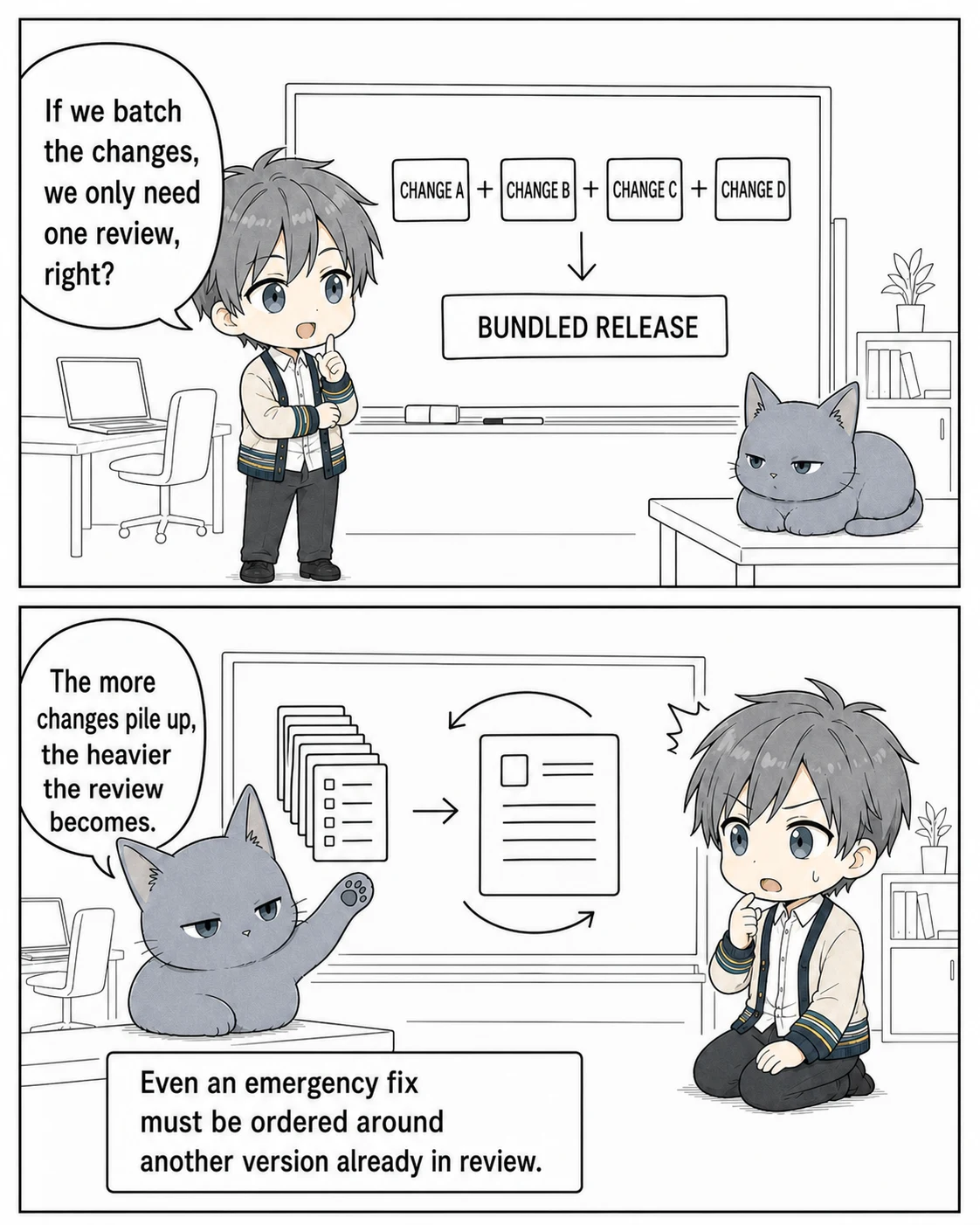
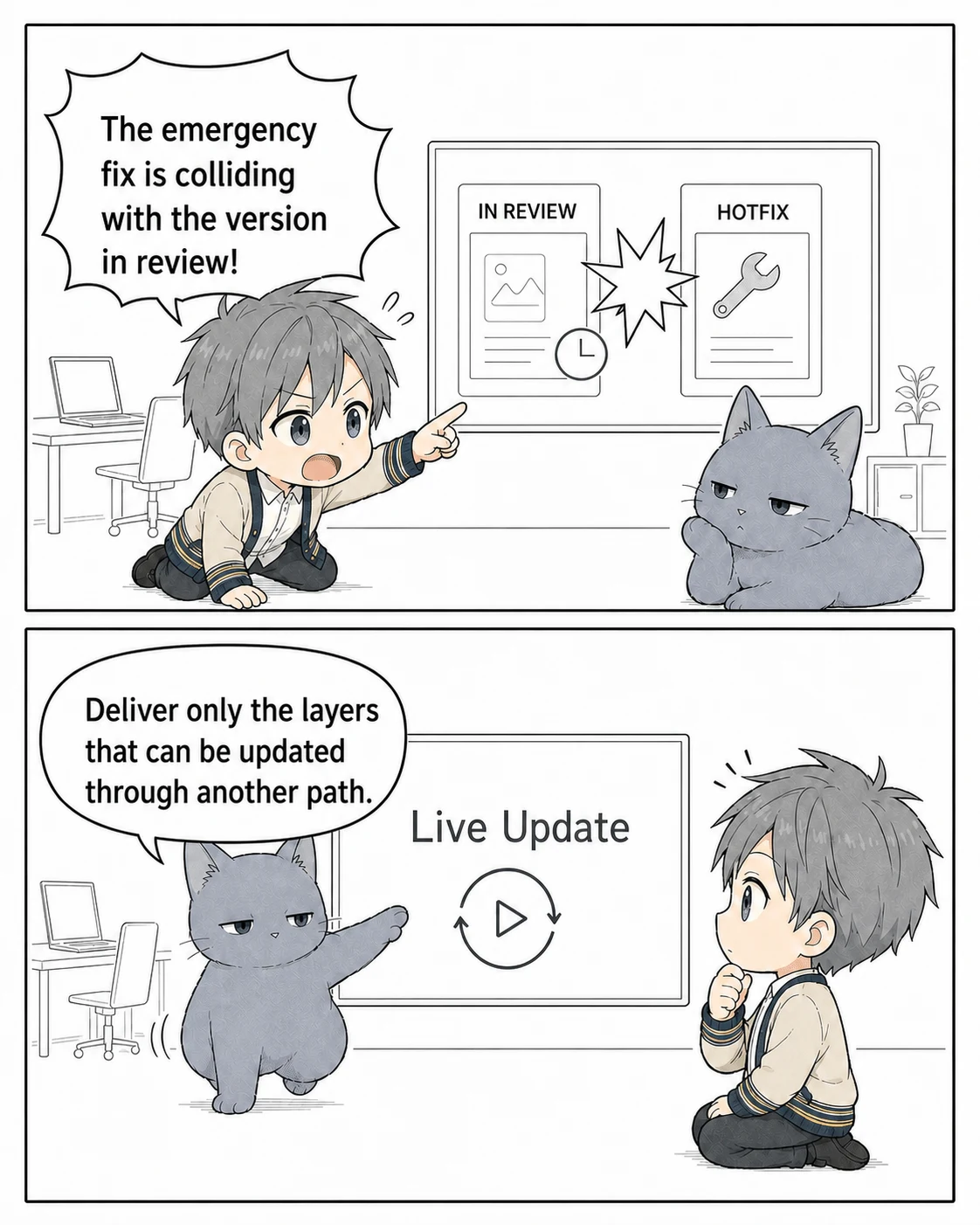
Generative AI has reduced the batch size of implementation. Next, we need to reduce the batch size of delivery, or we will lose that new speed before it reaches users.
What is a Live Update?
A Live Update uses the app submitted to the store as its foundation, then distributes only updates that remain compatible with that app. The mechanism is also called an OTA Update or Code Push.
At startup or another suitable point, the app checks an update server. If a new bundle is available and compatible, the app saves it to the device and applies it. Compatibility management, signing, staged rollout, and rollback behavior vary by product.
App starts
  -> Check for updates
  -> Verify compatibility with the installed app
  -> Download the bundle
  -> Apply it using the product's update mechanism
What can be replaced as a bundle depends on the development environment. Treating Live Update as simply "updating without the store" is dangerous, so let us start with the main options.
Representative Live Update options
Each major cross-platform environment has an update mechanism. These examples include not only standalone libraries, but also delivery services and dedicated runtimes.
| Environment | Representative option | What it updates | Compatibility boundary |
|---|---|---|---|
| Expo (React Native) | EAS Update | JavaScript, styles, images, etc. | Runtime version |
| Flutter | Shorebird Code Push | Dart code, etc. | Releases and patches for each store build |
| Capacitor | Capawesome Live Update | HTML, CSS, JavaScript, images, etc. | Bundles or channels tied to native versions |
Expo separates native-code compatibility with runtime versions. Shorebird distributes changed Dart code as patches. Capawesome treats Capacitor's Web assets as bundles. The names differ, but the core idea is the same: use the store build as a foundation and deliver only updates that can run on that build.
What do Apple and Google Play policies allow?
Store policy is usually the first concern when introducing Live Updates.
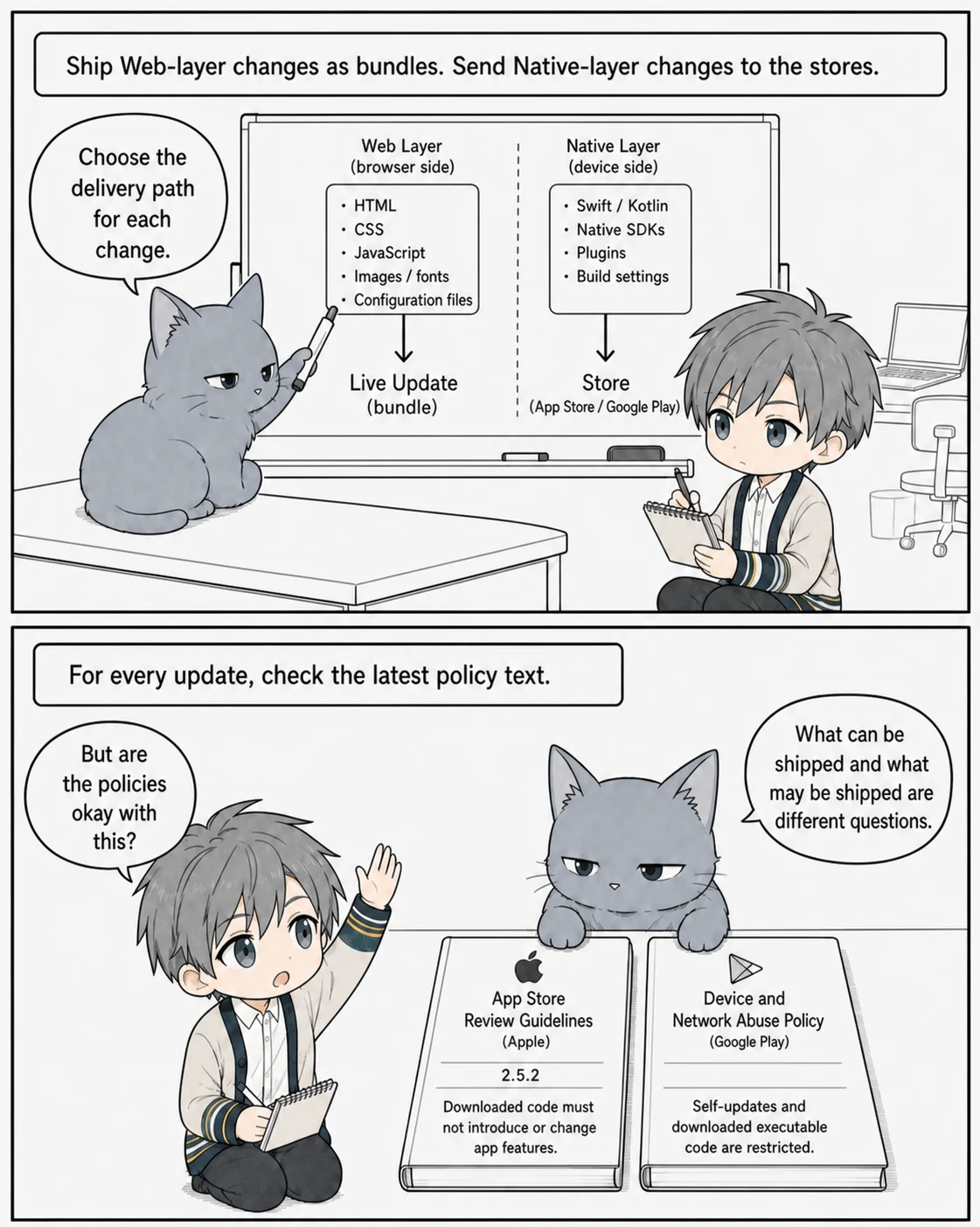
Apple's App Review Guidelines 2.5.2 says that an app may not download, install, or execute code that introduces or changes features. Meanwhile, Apple Developer Program License Agreement 3.3.1 sets conditions for interpreted code: it must not change the submitted app's primary purpose, bypass OS signing or sandbox protections, or create a store for other apps. The same section also restricts providing, unlocking, or enabling additional features through distribution paths other than the App Store, Custom App Distribution, or TestFlight without Apple's prior approval or another applicable exception.
In other words, JavaScript does not make every update acceptable. Even when a change does not radically alter the app's primary purpose, a user-visible new feature is safer to submit to the store, even if it changes only Web assets. Copy, styling, and bug fixes to existing features may be candidates for Live Update, but they are not automatically permitted.
Google Play's Device and Network Abuse policy prohibits an app from modifying, replacing, or updating itself outside Google Play and prohibits downloading executable code such as dex, JAR, and .so files. JavaScript running in a WebView or browser is excluded from the latter executable-code restriction, but that exclusion is not an explicit approval of Live Updates as a whole. You still need to check the latest policy for each update and implementation, including whether the delivered bundle amounts to self-updating. Runtime-loaded JavaScript must not enable violations of Google Play policy either.
Adopting a Live Update product does not make an app compliant by itself. The app must keep its primary purpose, respect OS security mechanisms, and follow every other applicable rule, including payments and privacy. What is technically deliverable and what is permissible to deliver are different questions.
Policies change, so every real update requires checking the latest primary text against the actual change. Live Update should be treated not as a way around review, but as a delivery path used within the scope of an already reviewed app.
Capacitor's Web Native boundary makes the split clear
Capacitor is not just a wrapper that places Web technology inside a native app. Its Web Native approach puts the Web at the center of the application and connects it to device capabilities through Plugins.
Everyday changes—screens, state management, input validation, and API communication—live in the Web layer written with Angular, React, Vue, or another Web framework. Cameras, Push Notifications, location, Biometrics, and other device features cross into the native layer through Capacitor Plugins.
That separation works well with Live Updates. AI can modify a screen, run the tests, and build a Web bundle. The type of change then gives us a boundary that can be used to choose the delivery path mechanically.
HTML / CSS / TypeScript / Web assets only
  -> Fix to an existing feature: candidate for Live Update
  -> New feature or change to reviewed behavior: submit to the stores

Capacitor Plugin / Swift / Kotlin / permission / native SDK changed
  -> Submit to the App Store and Google Play
Adding a new Plugin will not work if only its JavaScript is delivered first. The corresponding Swift or Kotlin code is not present in the installed binary. Web code can call only the Plugins that existed when that binary was submitted to the store.
Using Capawesome Live Update
For a concrete Capacitor implementation, let us look at Capawesome Live Update.
The open-source @capawesome/capacitor-live-update Plugin downloads and applies bundles on the device. Adding Capawesome Cloud provides operational features such as channels, staged rollout, manual rollback, and analytics. Bundles can be hosted in the Cloud or on your own CDN. The Plugin can also fall back to the built-in bundle when a newly applied bundle fails its startup check.
The setup is straightforward. Add the Live Update Plugin, public key, app ID, and related configuration to the first store build. After that, build the Web assets and deploy the resulting bundle to a channel.
npm install @capawesome/capacitor-live-update
npx cap sync
npm run build
npx @capawesome/cli apps:liveupdates:upload
On the app side, for example, sync() can retrieve an update and reload() can apply it when a next bundle is available.
import { LiveUpdate } from '@capawesome/capacitor-live-update';

const { nextBundleId } = await LiveUpdate.sync();

if (nextBundleId) {
  await LiveUpdate.reload();
}
In production, separate development, staging, and production channels and roll out to a small group of users first. Configure the app to return to its built-in bundle if it cannot call ready() soon after launch, preventing a broken bundle from leaving the app permanently unable to start.
Bundle signature verification should also be enabled. A Live Update delivery path is a production code supply chain. HTTPS protects the download in transit, but safe operation also requires the device to accept only bundles signed by you.
Do not give AI release authority
Once AI-assisted development and Live Updates are combined, it is tempting to automate everything from implementation through delivery. This is where a little caution helps.
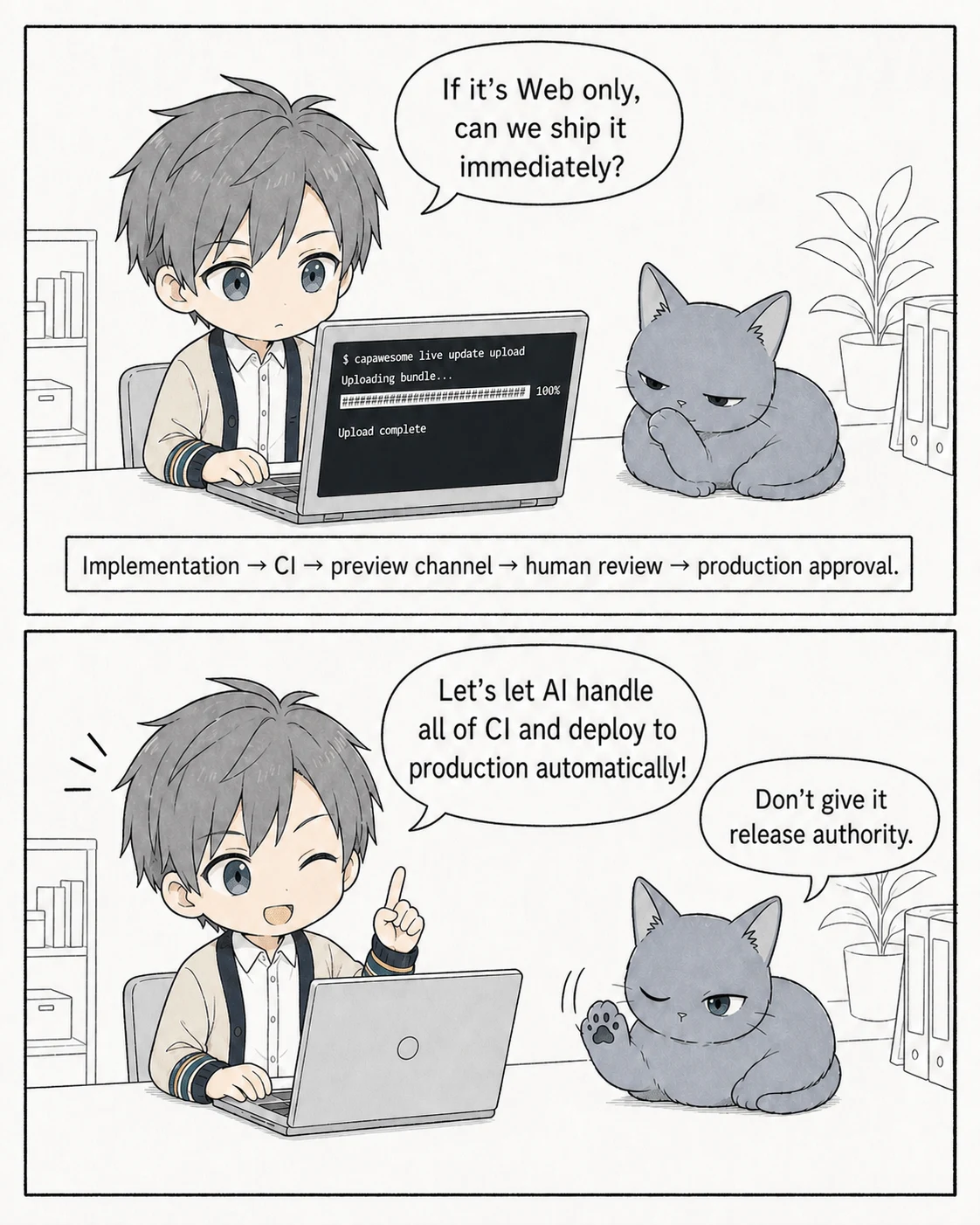
AI can open a Pull Request, run unit tests and E2E tests, and deploy a bundle to a preview channel. Those steps fit together well. A human can then verify the preview on a real device and approve promotion to production. Even in production, start with a partial rollout and expand it while watching the error rate.
The goal is to shorten the delivery wait. It is not to remove the checks that take the place of store review.
AI makes a change
  -> CI runs tests and builds
  -> Automatically deploy to a preview channel
  -> Human verifies on a real device
  -> Approval-gated deployment to production
  -> Staged rollout
  -> Roll back if a problem appears
CI should be especially strict about which bundles can be delivered to which native versions. A Web bundle that expects a new Plugin will fail at runtime when it reaches an older native binary. Separate channels by native version or declare bundle compatibility explicitly and reject incompatible deliveries.
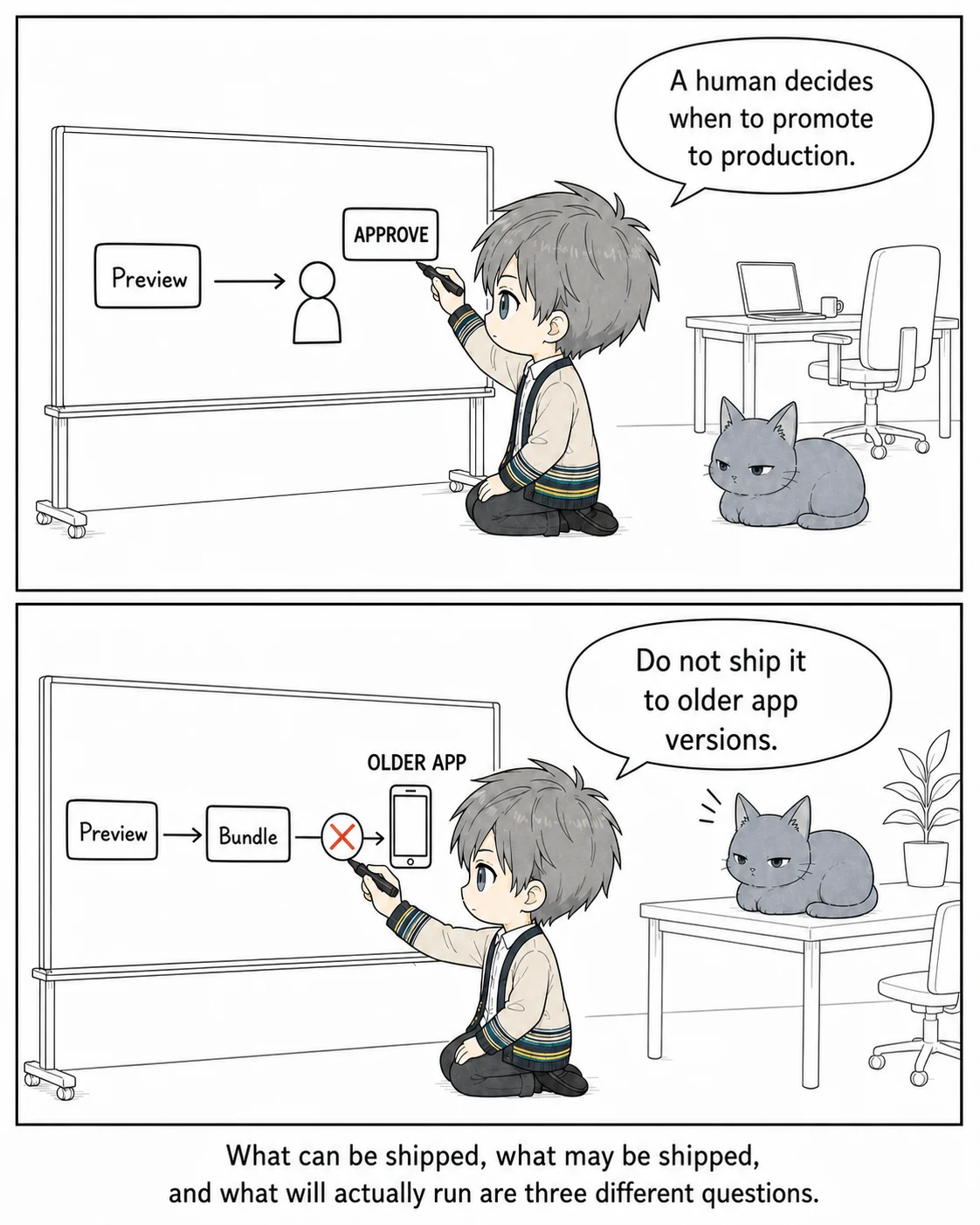
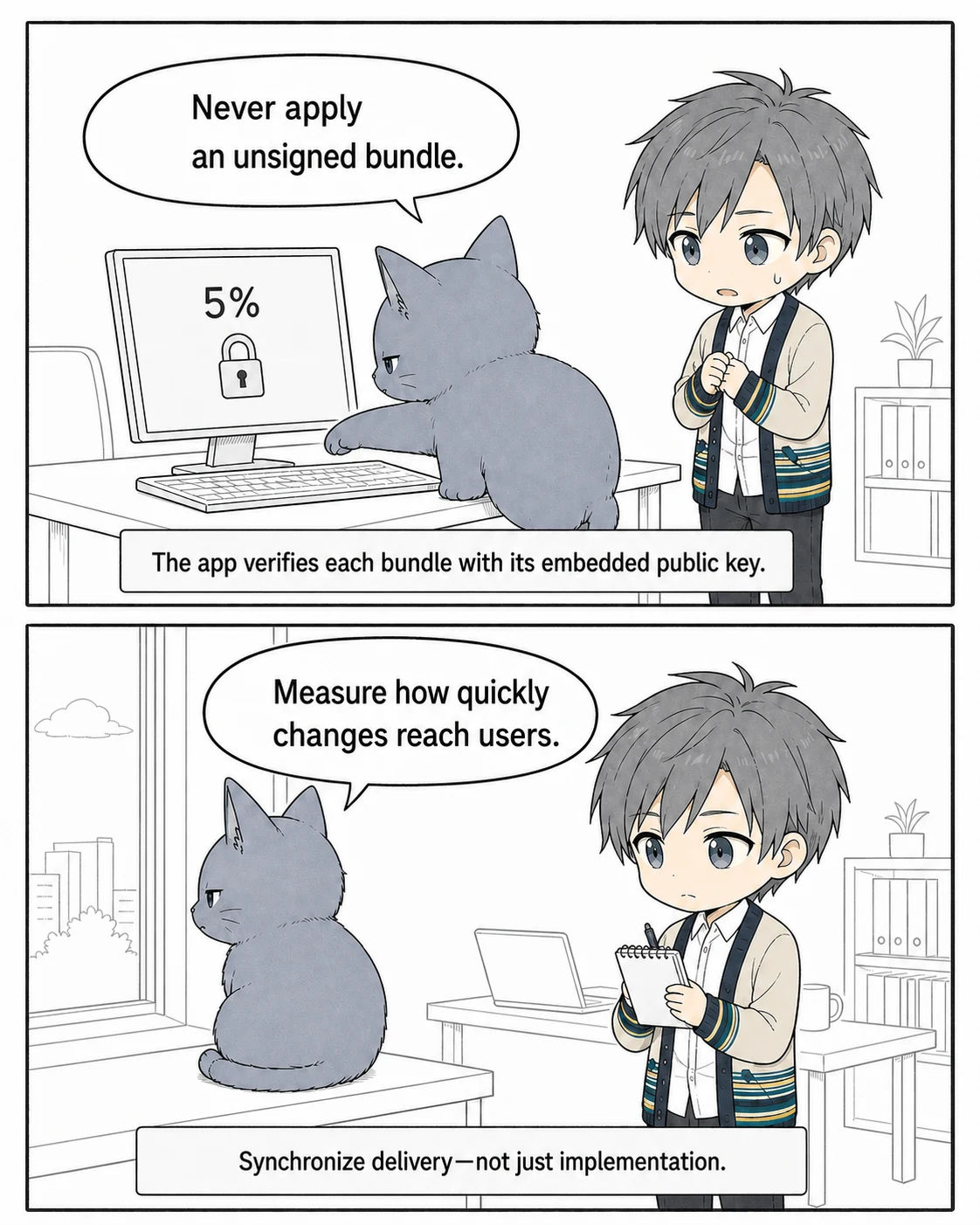
Precisely because AI has made writing code faster, a human should remain responsible for promotion to production. That division of responsibility feels right.
Conclusion: building faster does not mean delivering faster
This resembles the kanban concept in the Toyota Production System.
Just-in-time production in the Toyota Production System means making only what is needed, when it is needed, and in the amount needed, without letting material or information stagnate between steps. A downstream process withdraws what it has used, and the upstream process replenishes only that amount. Kanban is the tool that carries those signals.
If only the upstream process gets faster while the downstream process cannot consume its output, parts simply pile up in between. Software development is the same. AI can produce code continuously, but if every delivery must wait for store review, unreleased changes accumulate in front of that gate. Halving implementation time again barely changes the time it takes to reach users. One slow process determines the pace of the entire system.
Live Update is a path for keeping that flow narrow and frequent. Deliver policy-compliant changes as small bundles, and they do not need to wait until the next large release.
After accelerating development with AI, the next metric should not be how many lines AI wrote. It should be whether a change flowed all the way to users without stalling. We need to synchronize not only the upstream process of implementation, but also the downstream process of delivery.
That is the next bottleneck to overcome.
See you next time.